Naar de inhoud van de pagina

Sonarworks SoundID Ref Spk&HP UG Ref4Std

4.9 van de 5 sterren van 11 klantbeoordelingen

Software voor Luidspreker- en Koptelefoonkalibratie (Download)

Upgrade van Sonarworks Reference 4 Studio Edition naar SoundID Reference for Speakers & Headphones

  • Let op: upgradeversie - vereist een geregistreerde licentie voor Sonarworks Reference 4 Studio Edition
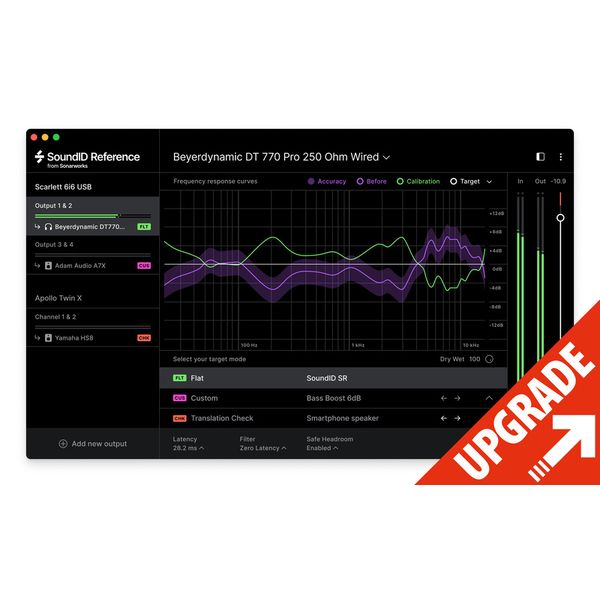
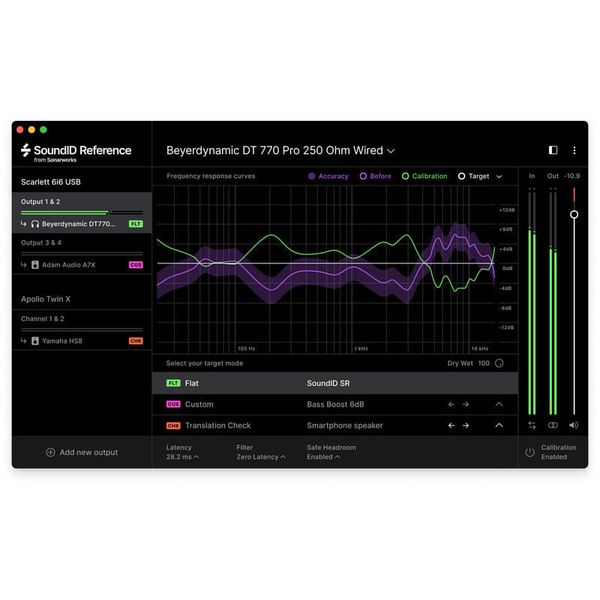
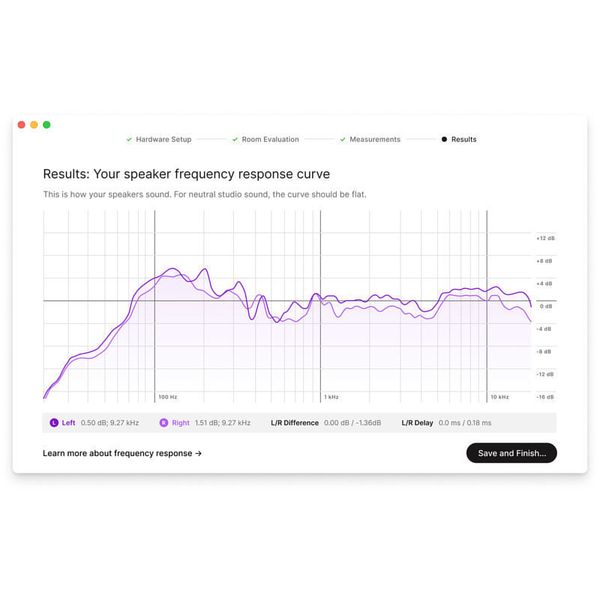
  • Frequentiecorrectie voor studiomonitors en koptelefoons voor een zo lineair mogelijke weergave
  • Maakt een betere beoordeling van opnamen en mixen mogelijk
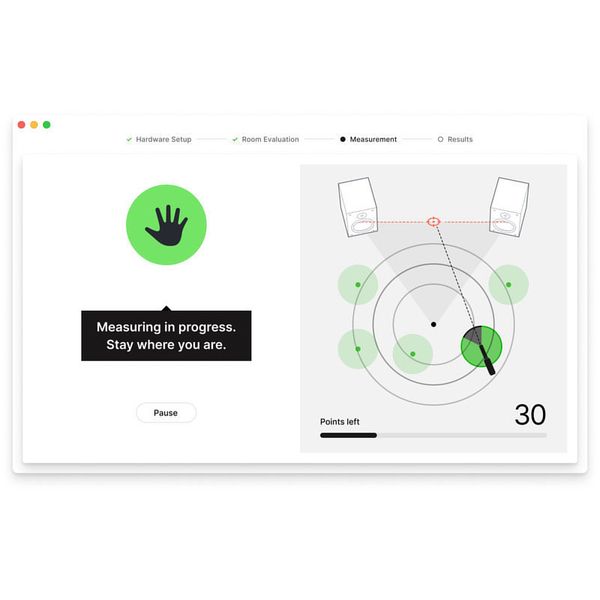
  • Ruimteanalyse en automatische berekening van de grootte van de ruimte op basis van talrijke meetpunten
  • Audio Calibration Engine voor de meest nauwkeurige verwerking
  • Onbeperkt aantal profielen voor luidsprekers kan worden opgeslagen
  • Wordt geleverd met kalibratiecurven voor meer dan 280 verschillende koptelefoonmodellen
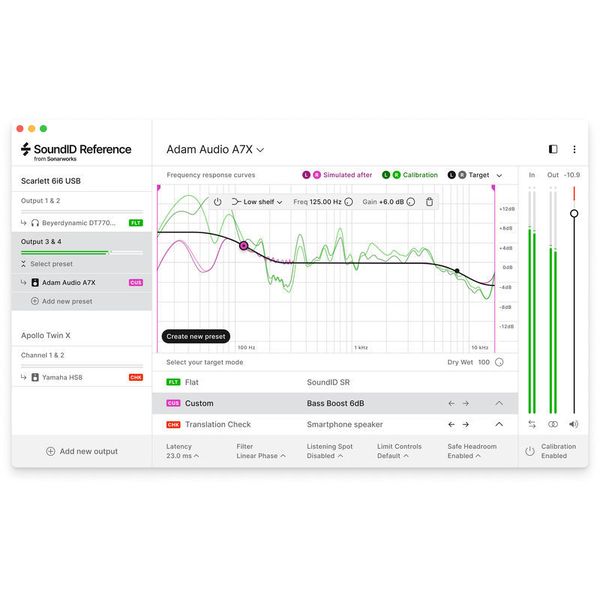
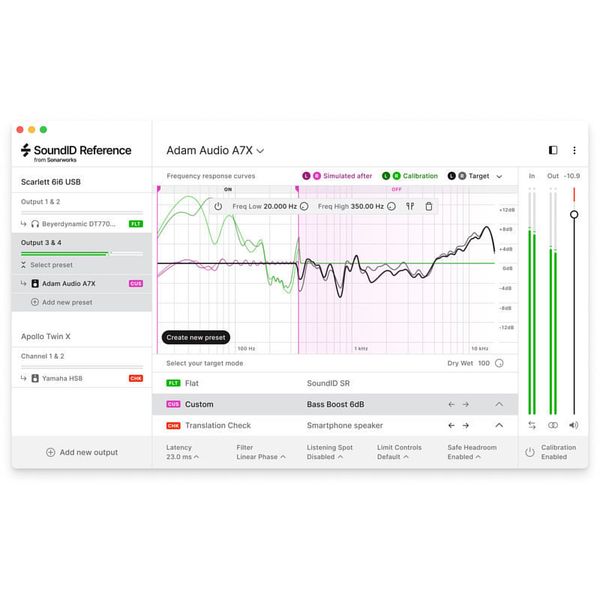
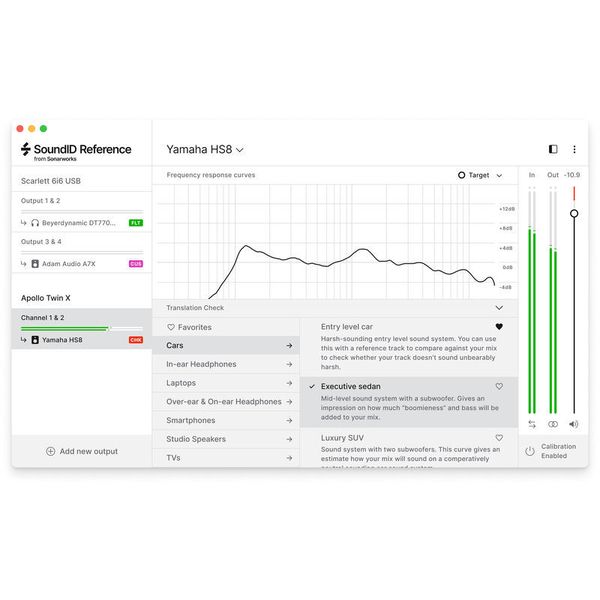
  • Doelcurven kunnen individueel in real-time worden aangepast
  • Translation Check simuleert meer dan 20 verschillende apparaten en apparaattypes voor het nauwkeurig omzetten van een mix
  • Drie selecteerbare filtermodi: zero latency, mixed en linear phase om de filterkwaliteit en latentie voor verschillende luistersituaties te optimaliseren
  • Aanvullende instellingen voor mono, dry/wet en safe headroom
  • Enkel beschikbaar in de app: MIDI-mapping voor diverse parameters en user presets voor vooraf gedefinieerde uitgangsconfiguraties
  • Leverbaar sinds Maart 2021
  • artikelnummer 515337
  • verkoopseenheid 1 stuk
€ 85
incl. btw
Per direct beschikbaar

11 Klantenbeoordelingen

4.9 / 5

bediening

features

geluid/kwaliteit

computergebruik

8 Recensies

R
Ideale tool om speakers 'recht' te laten klinken
Roel 05.05.2024
Door een uitgekiende meet methodiek met een gekalibreerde microfoon wordt de frequentie karakteristiek gemeten. De software zelf is in staat om de benodigde EQ correcties uit te voeren (system wide op de PC) . Voor mij veel belangrijker is de mogelijkheid om een 'export' te doen van de instellingen voor een parametrische EQ, bijvoorbeeld op de RME Fireface UCX-II. Het resultaat is verbluffend!
bediening
features
geluid/kwaliteit
computergebruik
0
0
Evaluatie melden

Evaluatie melden

google translate gb
Helaas is er een fout opgetreden, probeert u het a.u.b. later nogmaals.
tb
Does the job, and does it well
terror busker 27.11.2025
I use this to get decent sound out of my slapped-together setup consisting of 2 JBL control ones and a sub. I'm sure I could do much better with more expensive monitors but I'm not ready yet to shell out 1000+ quid for a setup that would be a real step up. So this has to do, and with SoundID, it delivers :)
I got this as an upgrade from Reference 4 studio which lacked Apple silicon support and therefore had no functioning plugin for Ableton under MacOS :scream:. I also own a similar plugin from the Italian competitor that also makes killer amp model pedals, but I prefer the Sonarworks product since it comes with a standalone app that links into the system audio. With this version I can finally stick to the same app/plugin for both windows and mac, both in plugins and system audio.
The calibration procedure is a bit lengthy but well explained. After that you get a nice graph that shows frequency and phase shifts in your setup, and the correction.
Latency is short enough to play live instruments. I am rather sensitive on that front when playing guitar, but the "zero latency" algorithm that only corrects frequency works well enough evening out the boominess in my minuscule attic studio and latency is fine. For mixing and listening to music use the "linear phase" algorithm that also corrects phase shifts and which makes an audible difference to resolution and localisation of sound sources in the stereo panorama. The third algorithm "mixed" does a good job for live playing when stereo resolution is important, but I don't use it all that often.
The pre-measured profiles for headphones make my Sony WH1000 XM4 bearable for mixing and recording, but just so—no replacement for professional mixing headphones. Still nice to have the option, even though it's not perfect.
Couldn't wish for more features—the product is really well thought-through. The only slight downside I can possibly find is the occasional hassle with drivers, especially when switching back and forth between the standalone and the plugin under windows—e.g. when taking a break from working in ableton and listening to music on spotify. But that's really complaining on a high level, and probably rather Windows' fault than Sonarworks'.
Overall, can fully recommend!
bediening
features
geluid/kwaliteit
computergebruik
0
0
Evaluatie melden

Evaluatie melden

google translate gb
Helaas is er een fout opgetreden, probeert u het a.u.b. later nogmaals.
K
Once you go Sonarworks...
KittyCatDance 13.12.2021
I've been using the Sonarworks software since version 3 and I'm satisfied with it. It won't make your room sound better (use acoustic treatment for that), but it will make your speakers perform better in any room.
As for the headphones version, I use it with all my headphones for mixing and sound design. I was mind blow by how much it improves the sound, with the default average profile, of a very cheap pair of headphones like the Behringer HPS3000. I mean... the HPS3000 sound really bad out of the box, but can actually sound acceptable with the Sonarworks calibration.

Like with everything software... try the demo before buying, just to make sure it works well on your system and it plays nicely with your cans.
bediening
features
geluid/kwaliteit
computergebruik
0
0
Evaluatie melden

Evaluatie melden