


the t.bone MicPlug USB

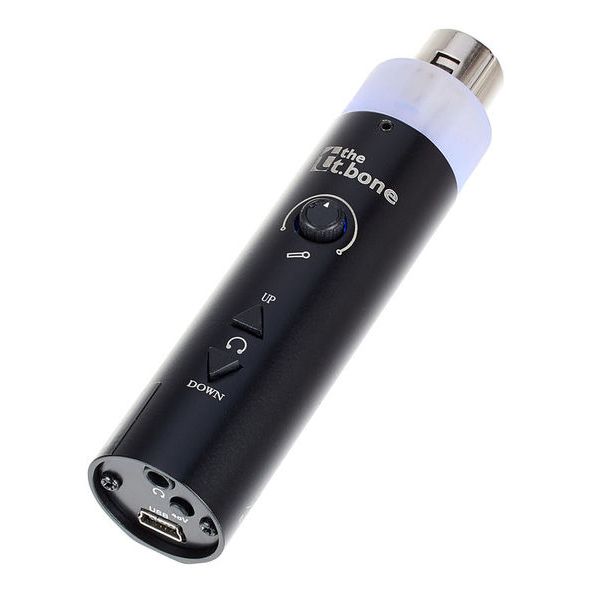
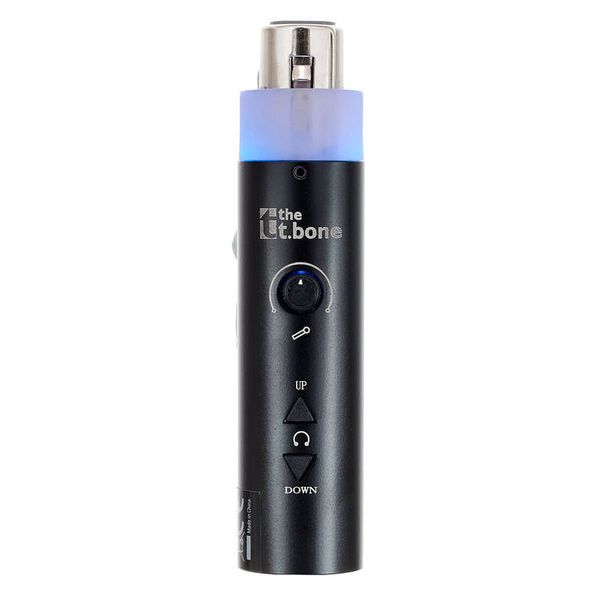
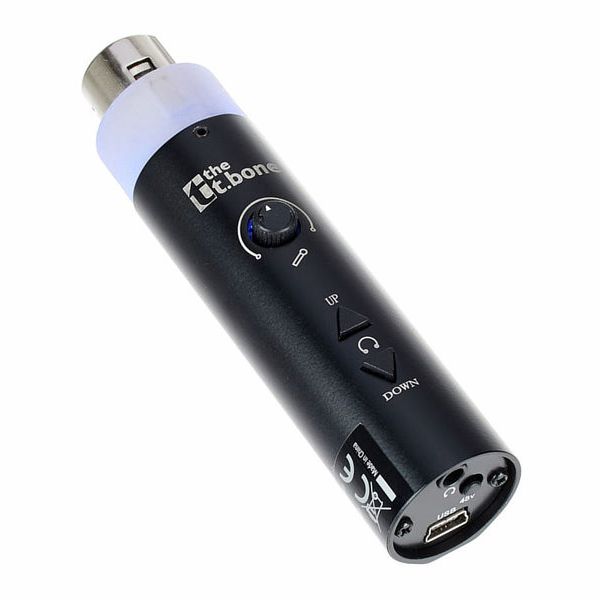
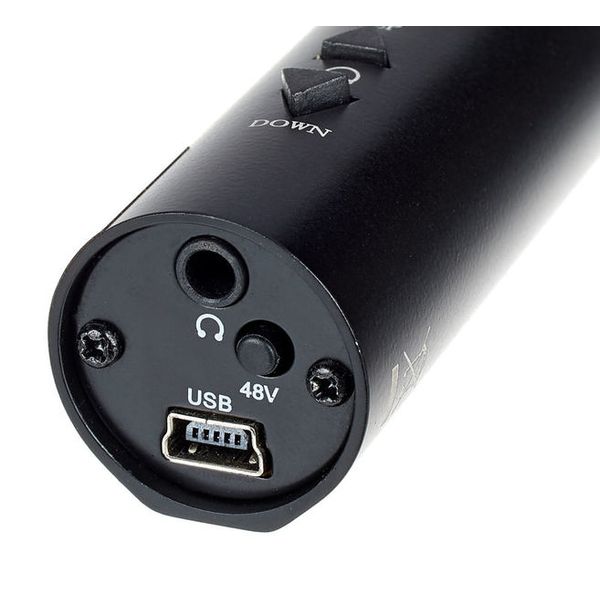


USB-Interface
- Met Microfoon-Voorversterker en geintegreerde A/D-Converter
- 16bit / 44.1/48 kHz
- Direct op de Microfoon op te steken
- Geintegreerde 48V Phantom voeding
- Koptelefoon uitgang
- Hoogwaardige Microfoon voorversterker met af te regelen Gain
- Stroomverzorging via USB
- Voor Win XP, Vista, Mac OSX
- Incl. USB Kabel
-
Leverbaar sinds Augustus 2008
-
artikelnummer 205235
-
verkoopseenheid 1 stuk
-
Recording / Playback Channels 1x2
-
Number of Mic Inputs 1
-
Number of Line Inputs 0
-
Instrument Inputs 0
-
Number of Line Outs 0
-
Headphone Outs 1
-
Phantom Power Yes
-
Number of S/PDIF Connectors 0
-
Number of ADAT Connectors 0
-
Numer of AES/EBU Connectors 0
-
Number of MADI Connectors 0
-
Ethernet 0
-
Other Connectors None
-
MIDI interface No
-
Word Clock No
-
Max. Sampling Rate in kHz 48 kHz
-
Max. Resolution Rate in Bits 16 bit
-
USB Bus-Powered Yes
-
Incl. power supply No
-
USB Version 1.1
-
Width 0 mm
-
Depth 0 mm
-
Height 0 mm
-
Connection Format USB port Mini B
-
Included in delivery USB-A to Mini USB-B Cable
-
Zero latency monitoring Yes
-

Plug & Record
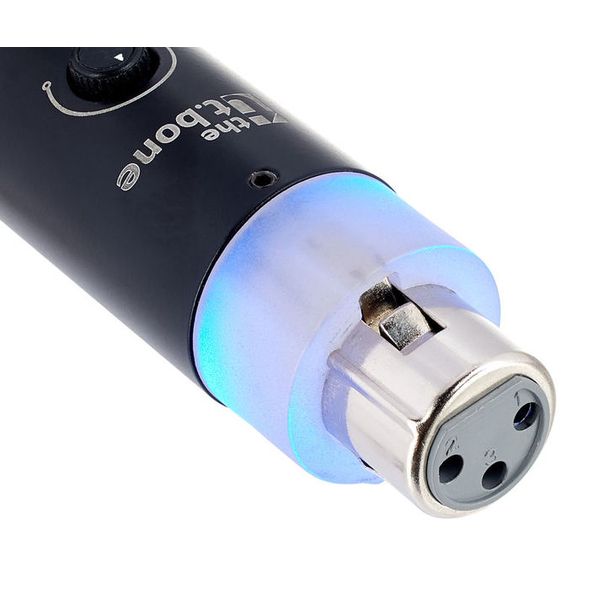
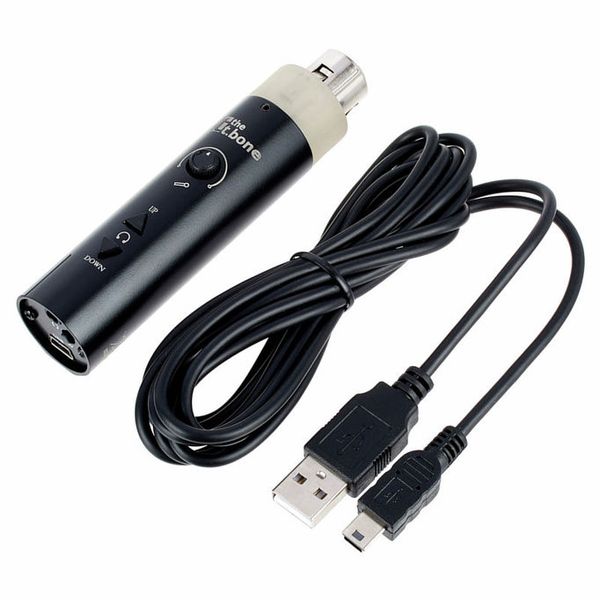
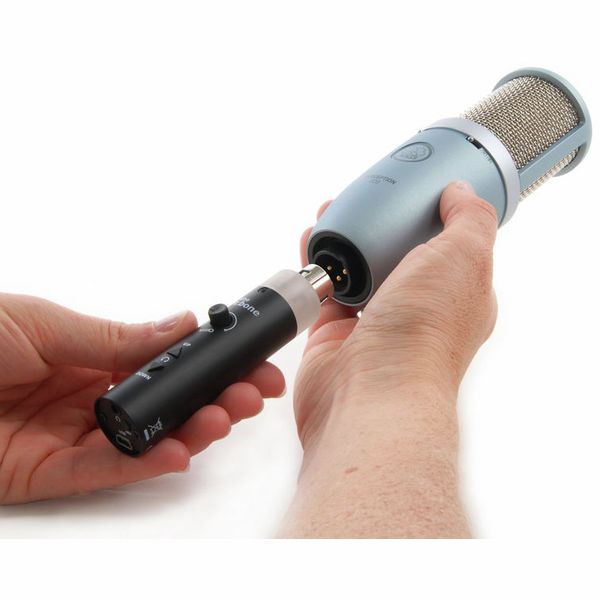
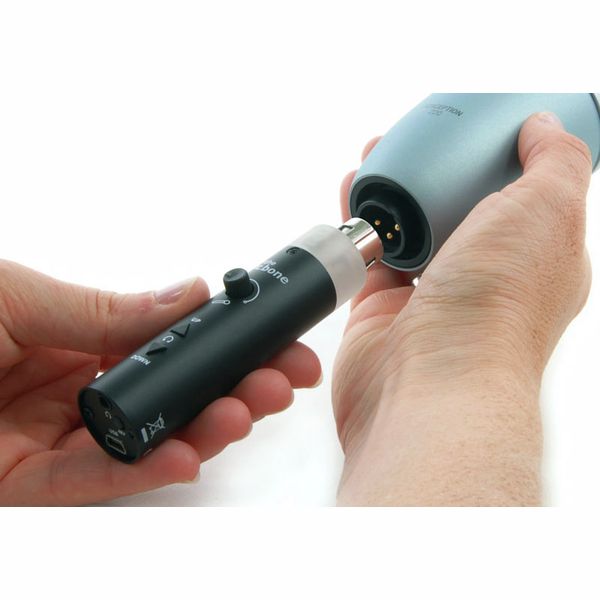
The t.bone MicPlug USB is a compact USB audio interface that plugs directly into a microphone's XLR output, converting its signal into digital audio for recording or streaming on a computer. It works with both dynamic and condenser microphones – phantom power for condensers is supplied by the interface itself. A USB cable for connection to the computer is included, and the interface operates as a class-compliant USB device requiring no driver installation. A 3.5mm headphone output provides direct monitoring with adjustable listening level.
)
Conversion and monitoring
The t.bone MicPlug USB converts at 44.1 or 48kHz with 16-bit resolution, connecting via the supplied cable to any USB-A port supporting USB 1.1. The integrated microphone preamplifier offers adjustable gain, while the headphone output level can be set independently for direct monitoring. The adjustable preamp accommodates both high-SPL sources and more sensitive microphones across a wide range of recording applications. The original specification lists Windows XP, Windows Vista, and Mac OS X as the supported operating systems.
)
First interface for beginners
The MicPlug USB is aimed at beginners taking their first steps in home recording, podcasting, streaming, and online teaching – users who already own a dynamic or condenser microphone and want to connect it to a computer without purchasing a dedicated USB microphone or a larger audio interface. Driver-free plug-and-play operation keeps setup to a minimum, allowing recording to begin immediately after connection. Its compact form adds virtually no bulk to the microphone itself, making it equally suitable for fixed desktop setups and lightweight mobile recording rigs.
)
About the t.bone
Since 1994, the t.bone has been one of Thomann's in-house brands, and its name can be found on devices such as headphones, wireless systems, in-ear equipment, and various microphones and matching accessories. "the t.bone" products are made exclusively by renowned companies who also manufacture products for other well-known brands. This provides a clear advantage: Brand-quality products at very reasonable prices. And word gets around: One in seven Thomann customers has already bought at least one product from the t.bone.
Microphone stands and accessories
For the most convenient operation, the microphone is best mounted on a stand, preventing accidental adjustment of the MicPlug USB's gain control during use. A full-size boom stand such as the Millenium MS-2003 suits singers, presenters, and instrumentalists, while a compact desktop stand like the Millenium DS-45 provides a stable solution for podcasting, streaming, and spoken-word recording. Because the interface plugs directly into the microphone, the analogue signal path remains extremely short before conversion, creating a compact recording setup with minimal additional hardware that can be assembled and put into operation within minutes. As a product from one of Thomann's in-house brands, the t.bone MicPlug USB is also backed by a three-year Thomann warranty.