

Naar de inhoud van de pagina

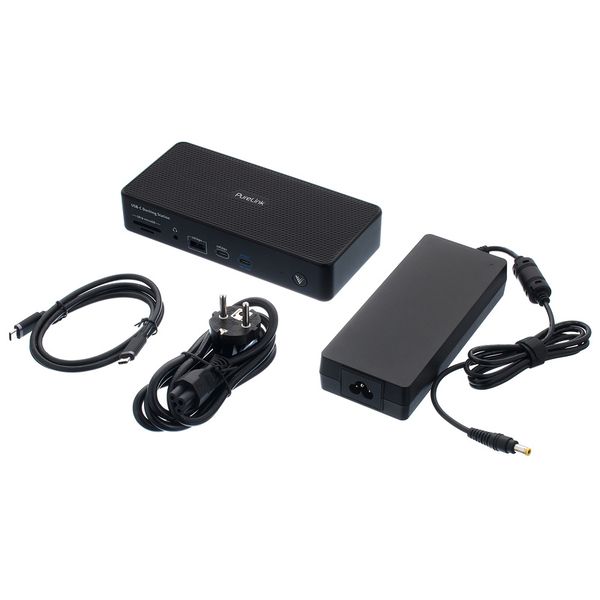
PureLink VL-D220 USB-C Docking Station

5.0 van de 5 sterren van 6 klantbeoordelingen ()

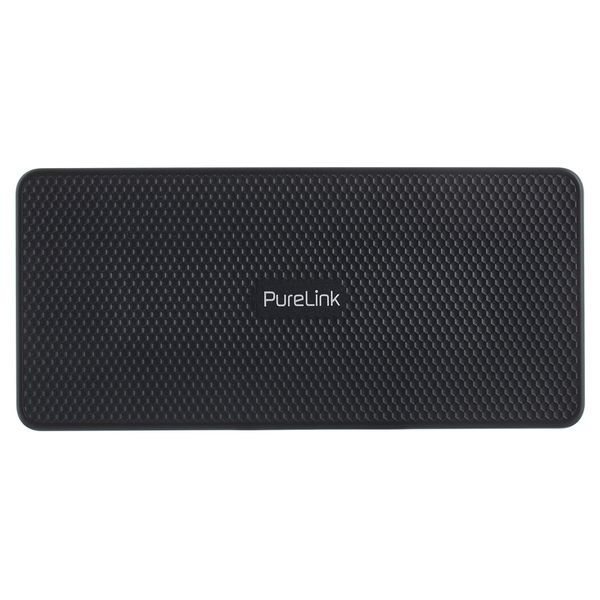
USB-C Docking Station

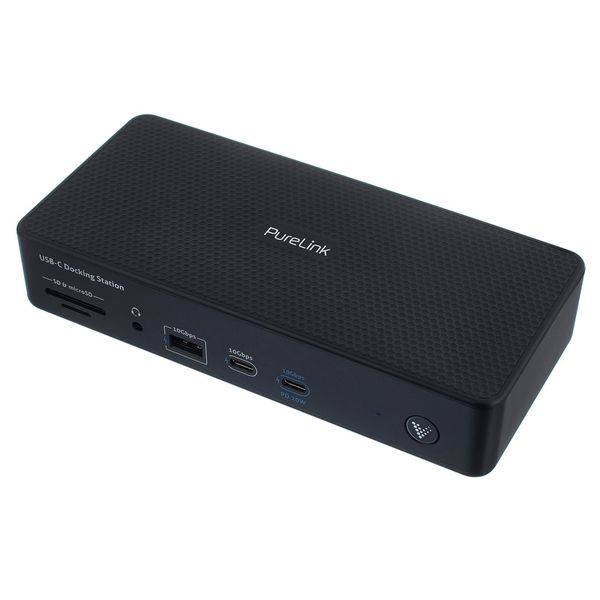
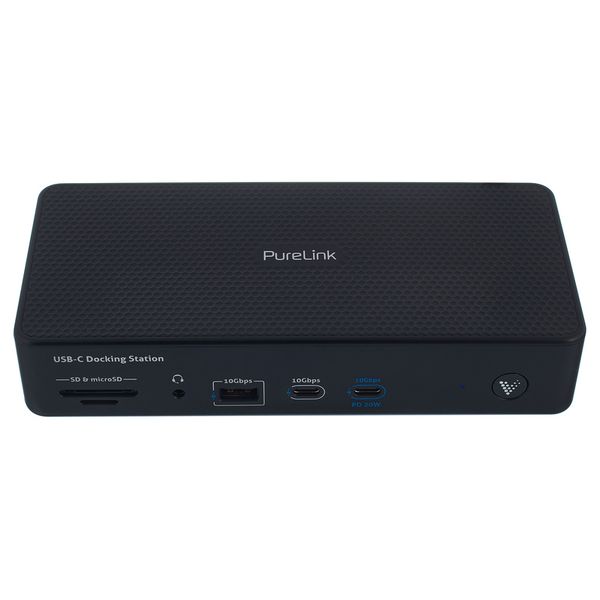
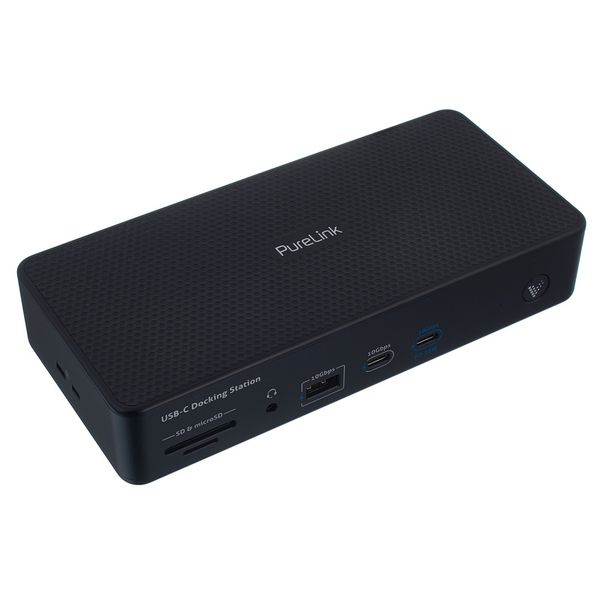
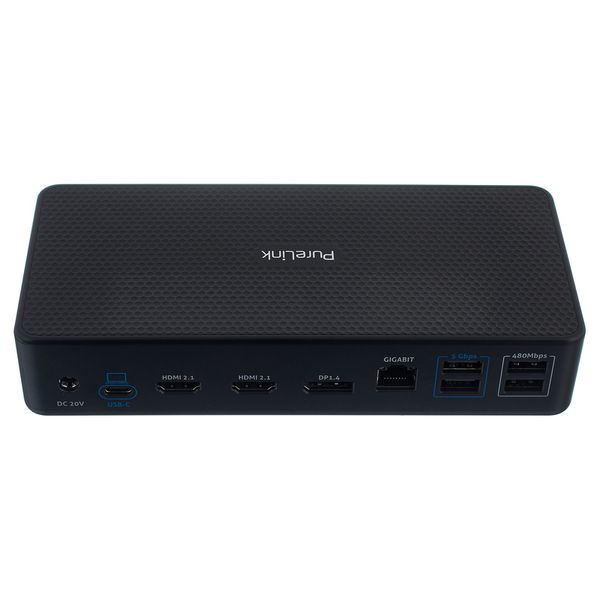
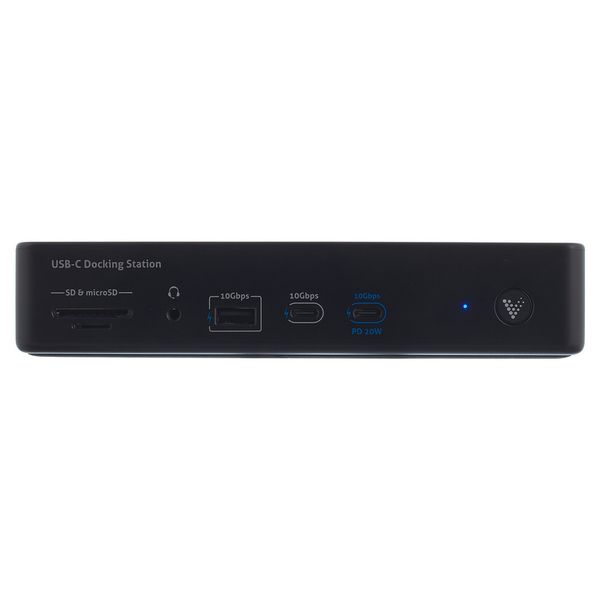
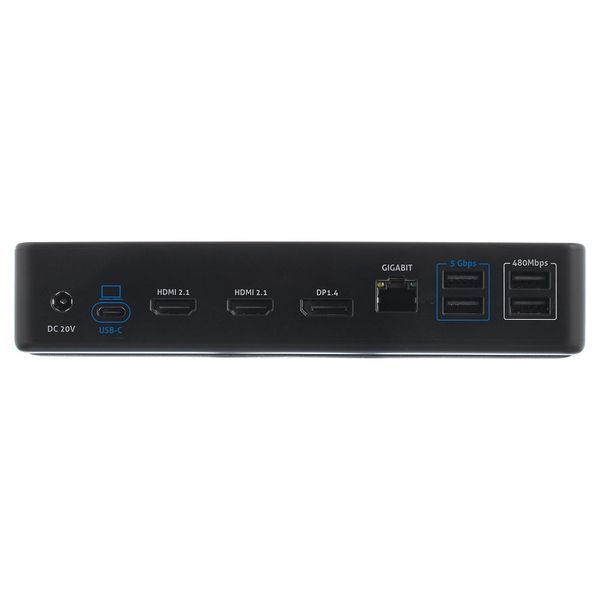
  • USB-C 3.2 Gen2 input including 100W PD and 10Gbps
  • Triple screen output with MST support: 2x HDMI 2.1: max. 4K60Hz (with DSC - max. 8K30Hz), 1x DP 1.4: max. 4K30Hz (with DSC - max. 8K30Hz)
  • USB ports: 3x 10Gbps, 2x 5Gbps and 2x 480Mbps
  • Gigabit Ethernet for secure wired LAN access
  • Power supply for up to 7 peripheral devices - compatible with USB 2.0 and USB 3.2
  • SD and microSD card reader
  • 3.5 mm audio input
  • Housing material: Plastic
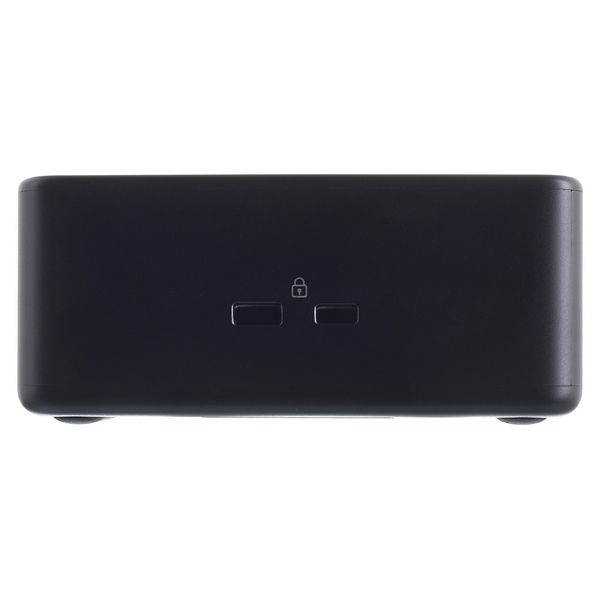
  • Dimensions: 190 x 88 x 37.5 mm
  • Weight: 610 g
  • Colour: Black
  • Leverbaar sinds November 2024
  • artikelnummer 605155
  • verkoopseenheid 1 stuk
€ 189
Alle prijzen incl. btw
Beschikbaar in een paar maanden
1

6 Klantenbeoordelingen

5 / 5

afwerking

4 Recensies

google translate gb
Helaas is er een fout opgetreden, probeert u het a.u.b. later nogmaals.
a
Sturdy brick with many ports
aesqe 14.08.2025
I bought this docking station for one reason only - to be able to easily connect and disconnect peripherals and USB devices from my Macbook. I'm happy to say that PureLink VL-220 does this perfectly; it even powers the computer, so it's really is a matter of (dis)connecting a single cable.

Just be aware of the fact that if you're using a Mac, you _probably_ won't be able to use 2 displays in extend mode if you connect them both to the dock, I think that's even stated in the manual somewhere.
afwerking
2
0
Evaluatie melden

Evaluatie melden

google translate de
Helaas is er een fout opgetreden, probeert u het a.u.b. later nogmaals.
D
Passt für meine Anwendung fast optimal.
Der_Oe 13.03.2026
Ich habe mir diese Dockingstation zugelegt, um neben 2 externen Bildschirmen per HDMI zusätzlich einen Elgato Prompter XL sowie einen Rodecaster Video an meinem Windowsnotebook zu betreiben.
Ich nutze dieses Setup beruflich im Homeoffice für Videokonferenzen sowie zur Erstellung von Schulungsvideos.
Versorgung des Prompters wie auch des Notebooks läuft ohne Probleme, einfach nur Notebook per USB-C Anschluss anschließen und fertig.
Einziger Optimierungspunkt: Die USB-C Ports an denen Prompter und Rodecaster hängen, liegen auf der Vorderseite des Docks. Lägen die auf der Rückseite, könnte ich die Kabel noch besser unter dem Schreibtisch verstauen.
afwerking
0
0
Evaluatie melden

Evaluatie melden

google translate fr
Helaas is er een fout opgetreden, probeert u het a.u.b. later nogmaals.
TP
Rassurant et optimal
Tom Popman 02.05.2026
Je l’utile pour brancher ma carte son et d’autres accessoires. La qualité est là, et je l’utilise avec assurance dans mon home studio.
afwerking
0
0
Evaluatie melden

Evaluatie melden

google translate de
Helaas is er een fout opgetreden, probeert u het a.u.b. later nogmaals.
T
Erfüllt ihren Zweck
Traktur 16.06.2026
Ich habe die Docking Station nun seit mehreren Monaten im Einsatz um mit zwei Computern jeweils die gleiche Maus, Tastatur, etc. zu verwenden, ohne dass man jedes mal alles umstecken muss. Dafür ist sie super geeignet. Bisher funktioniert alles einwandfrei ohne Ausfälle.
afwerking
0
0
Evaluatie melden

Evaluatie melden