


Novation Launchpad Pro MK3

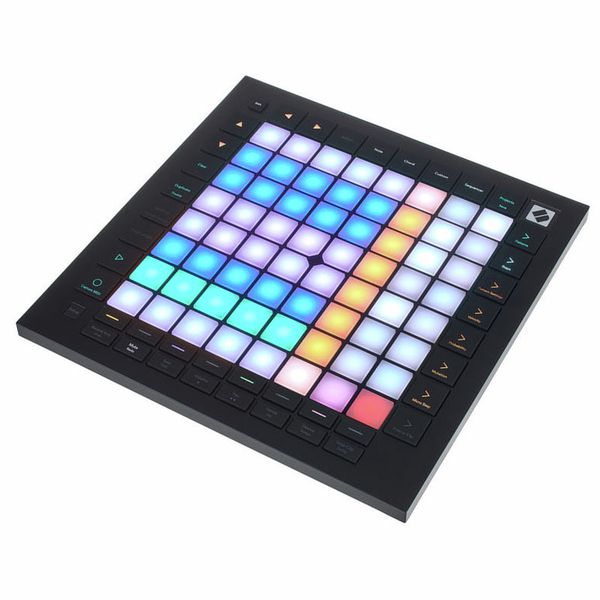
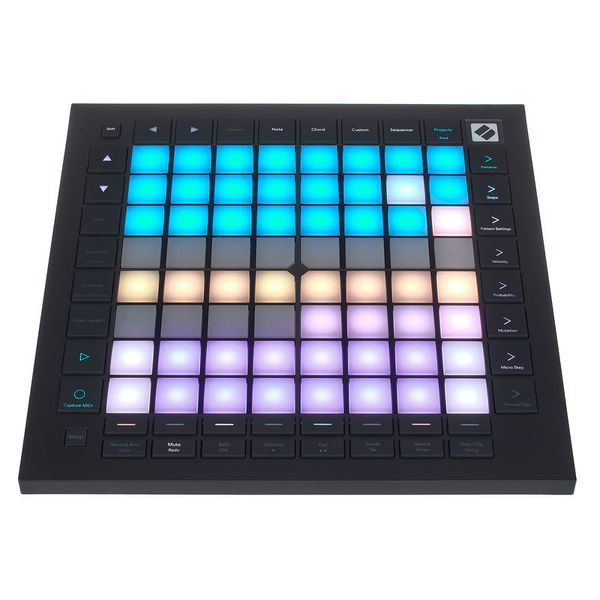
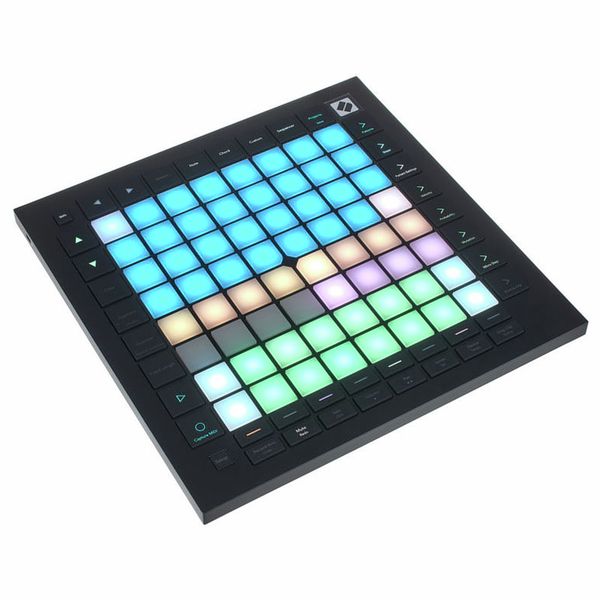
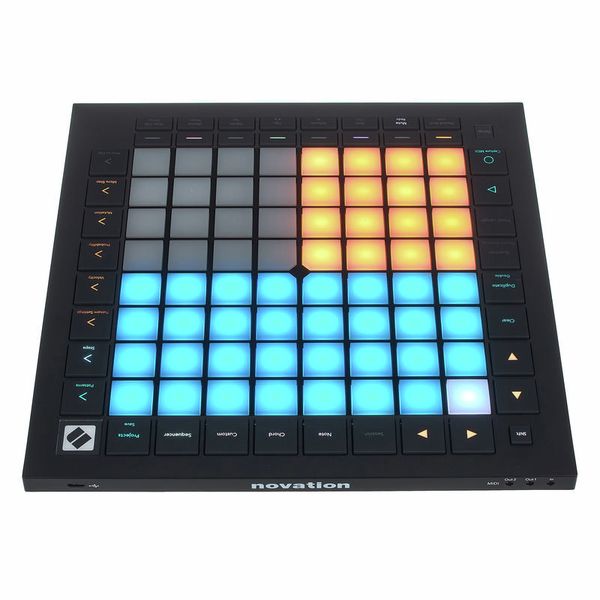
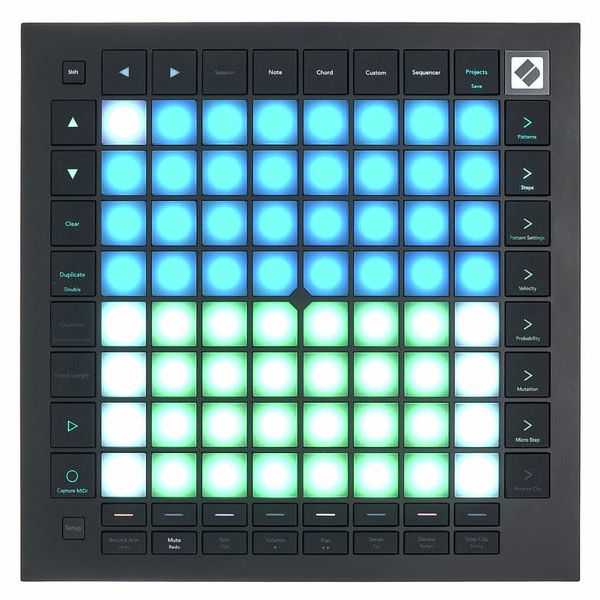
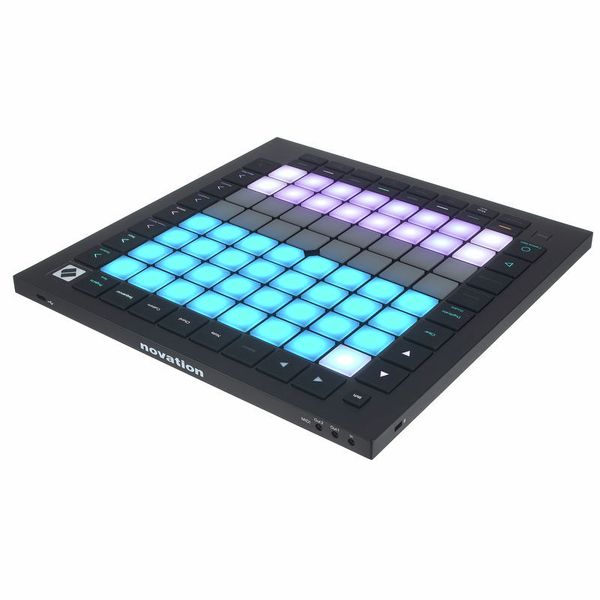


Grid Controller
- Voor Ableton Live en andere muzieksoftware en externe hardware
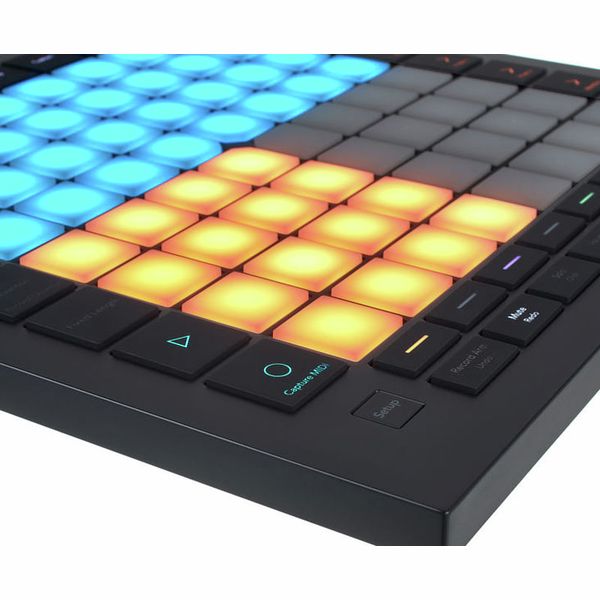
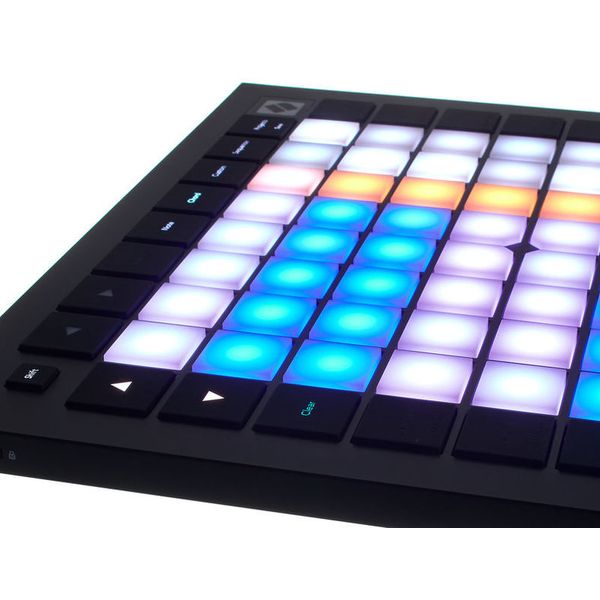
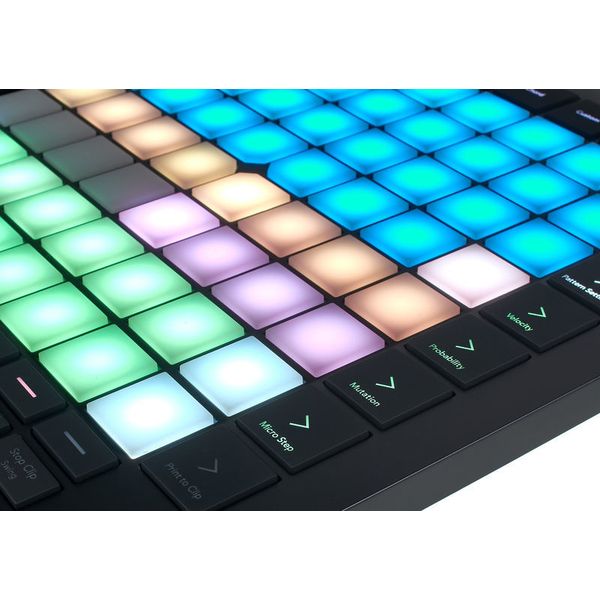
- 64 Aanraak- en drukgevoelige RGB-pads
- 4-Track sequencer met 32 stappen
- Akkoordmodus
- Dynamische noot- en toonladdermodi
- 8 Gebruikersgedefinieerde modi met components editor
- Transport control
- Tap-tempo
- Print to clip en capture MIDI-modus
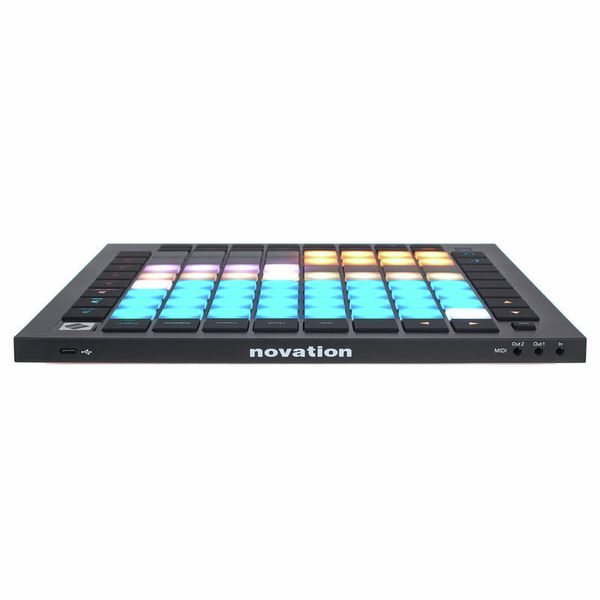
- USB-C-aansluiting
- MIDI-ingang
- MIDI-uitgang
- MIDI Thru/Out 2: 3,5 mm mini Jack
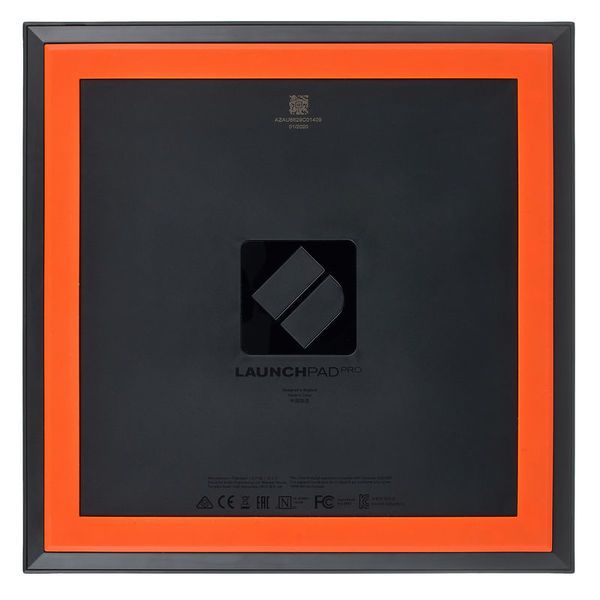
- Afmetingen (B x H x D): 268 x 18 x 268 mm
- Gewicht: 1 kg
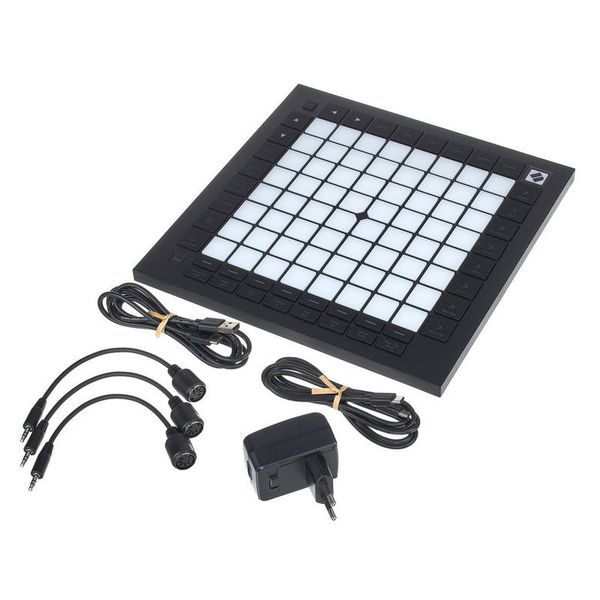
- Incl. softwarebundel, USB-kabel en MIDI-adapter
- Bijpassende koffer: art. 492939 (niet bij de levering inbegrepen)
-
Leverbaar sinds Februari 2020
-
artikelnummer 482692
-
verkoopseenheid 1 stuk
-
USB Yes
-
Bluetooth No
-
5-pole DIN MIDI Yes
-
Ethernet No
-
Fader 0
-
Rotary Encoders 0
-
Audio I/O No
-
Transport Function Yes
-
Footswitch connection No
-
Foot Controller Connection No
-
Bus-Powered Yes
-
Jog No
-
Joystick No
-
Additional Features Automap
Pads, sequencing, and much more
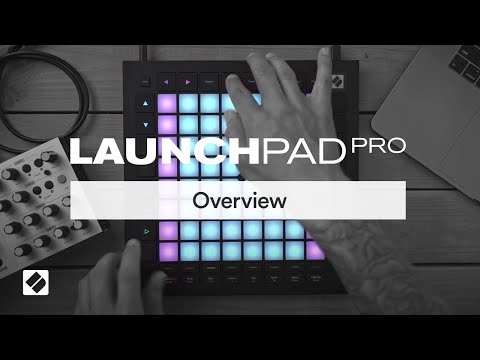
The Novation Launchpad Pro MK3 is a pad-based grid controller with an integrated sequencer, velocity- and pressure-sensitive RGB pads, and dedicated hardware MIDI connectivity – aimed at producers and live performers who want to shape and sequence their tracks, not just trigger them. The 64 large RGB pads allow for expressive melodic and rhythmic playing, while 42 backlit tactile-click buttons give direct access to mixer, transport, and arrangement controls. Combined with deep Ableton Live and Logic Pro integration, computer-free sequencing, and Custom Mode support for any MIDI-compatible software or hardware, the Pro MK3 functions as a flexible hub for both studio production and live performance.
)
Standalone four-track sequencing
One of the defining features of the Launchpad Pro MK3 is its built-in four-track, 32-step sequencer with eight-note polyphony per track, which makes it possible to create and develop patterns directly on the device without a computer. Sequences play through to the end before switching, landing the next pattern exactly on the beat, so transitions stay rhythmically consistent without disrupting the groove. Pattern chaining allows sequences to be linked and assigned to scenes, building complete song structures from the grid. Probability, Mutation, Sync Rate, and Play Order give further options for introducing variation and keeping sequences evolving. External hardware connects via MIDI In, Out, and Out 2/Thru on 3.5mm TRS connectors – three DIN adapters are included – making the Pro MK3 a capable control centre for hybrid software and hardware rigs.
)
Scale, Chord, and Custom modes
Scale mode maps the pads to a selected key and scale, providing a harmonically organised layout for melodic sequencing, improvisation, and performance. Chord mode provides a dedicated grid for exploring, building, saving, and playing harmonies, while Drum mode provides a direct percussive input layout for rhythm programming. Capture MIDI recovers spontaneous ideas after the fact and converts them instantly into clips, without requiring recording to have been active beforehand. Custom Modes allow the full 8×8 grid to be reconfigured for any MIDI-compatible software or hardware via the Novation Components editor – layouts are stored as one of eight onboard modes and persist when the computer is disconnected, so the Pro MK3 can control an all-hardware rig independently.
)
About Novation
The English company Novation has been producing affordable popular synthesizers as well as MIDI controllers and keyboards since its foundation in 1992. It was later acquired by the well-known British audio interface manufacturer Focusrite, but the brand still exists within the parent company. The outstanding design, high-quality workmanship and excellent price-performance ratio of the Novation Launchpads have continued to win them many new users. Novation synthesizers include the 8-voice Polyphone Peak, the analogue mono synthesizer Bass Station II, the MiniNova and the paraphonic analogue synthesizer Circuit Mono Station.
Custom control for any setup
The Launchpad Pro MK3 integrates most extensively with Ableton Live – launching clips and scenes, accessing mixer and transport controls, quantising, duplicating, and doubling without touching a mouse – and offers dedicated Live Loops control and project navigation for Logic Pro. Beyond these, Custom Modes and freely assignable MIDI mappings make it a highly adaptable controller for other MIDI-compatible software and hardware. The included software bundle covers the essentials for getting started: Ableton Live Lite and Cubase LE for recording and arrangement, Klevgrand plugins for mixing and effects, XLN Audio and AAS instruments, and Melodics finger drumming lessons. The Pro MK3 is USB bus powered for standard use; a USB power supply is included for standalone sequencer operation away from a computer.
Dit is wat klanten die dit product bekeken hebben kochten

Accessoires & verwante producten


Vergelijk opties
-
Novation DAW controller in een oogopslag
-
DAW controller in de prijscategorie van 300 € - 400 € weergeven
-
naar productgroep DAW controller
-
naar productgroep controller
-
naar productgroep Studio- en recording-apparatuur
-
toon fabrikant details voor Novation
-
Novation Studio- en recording-apparatuur in een oogopslag